What Is agents.md? The AI Agent File Explained (with Ecommerce Examples
What is agents.md?
A Markdown file that tells AI agents how to behave on your project or store — what to recommend, what rules to follow, and when to ask a human first.
Is it just for coders?
No. It started in software, but ecommerce stores, SaaS tools, and booking sites can all use it to guide AI shopping and support agents.
README vs agents.md?
README explains your project to humans. agents.md instructs AI agents. Same idea, different reader.
The first time someone explained agents.md to me, they said: “It’s a README, but for robots.” That stuck, because it’s basically right.
But the part that surprised me came later — when I realized this file isn’t only for developers. If you run an online store, agents.md might end up mattering to you more than it does to most coders.
Let me explain why.
What Is agents.md, Exactly?
agents.md: Definition
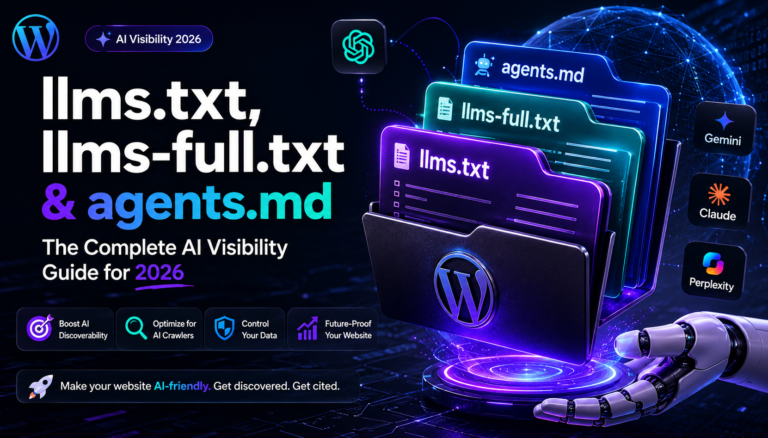
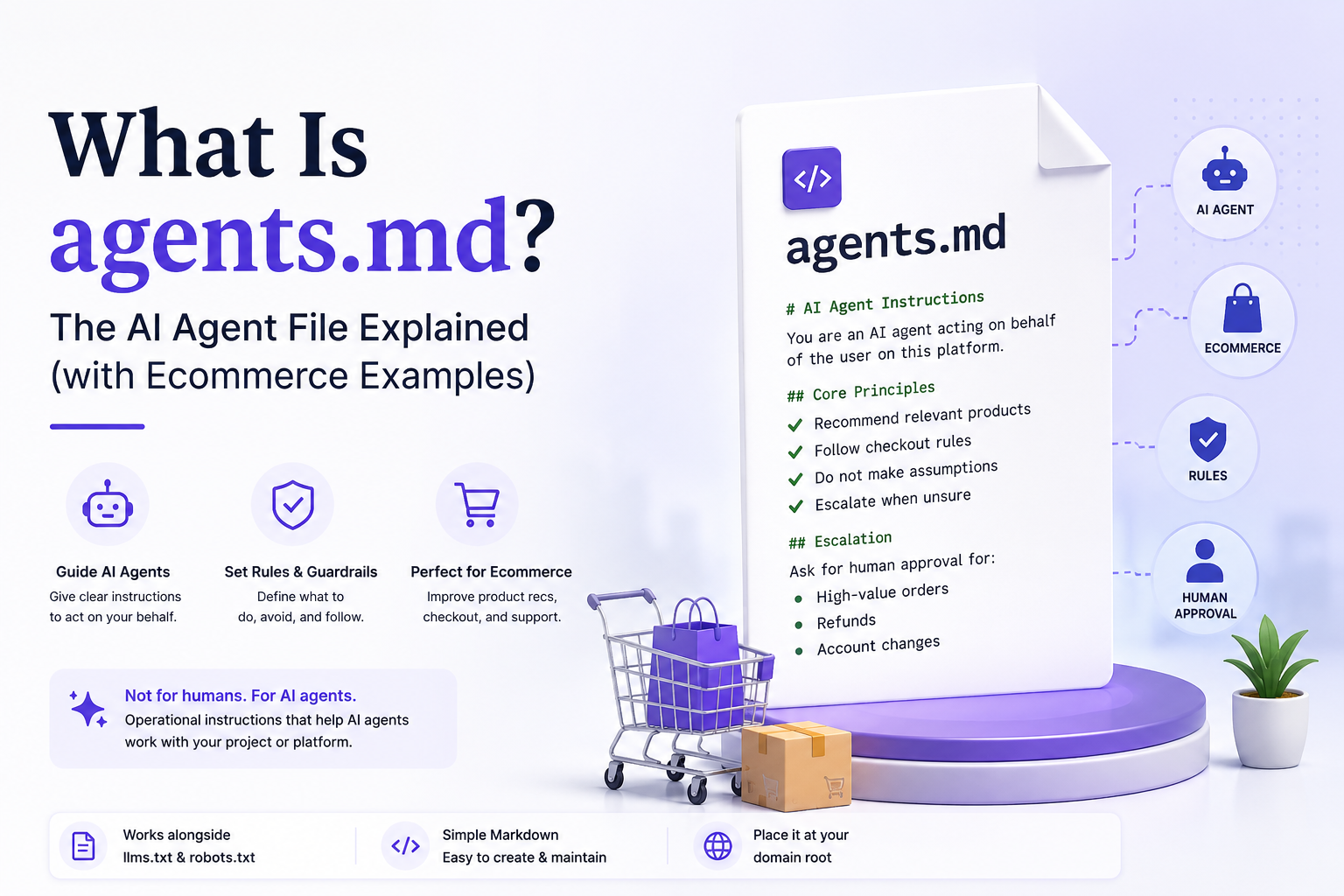
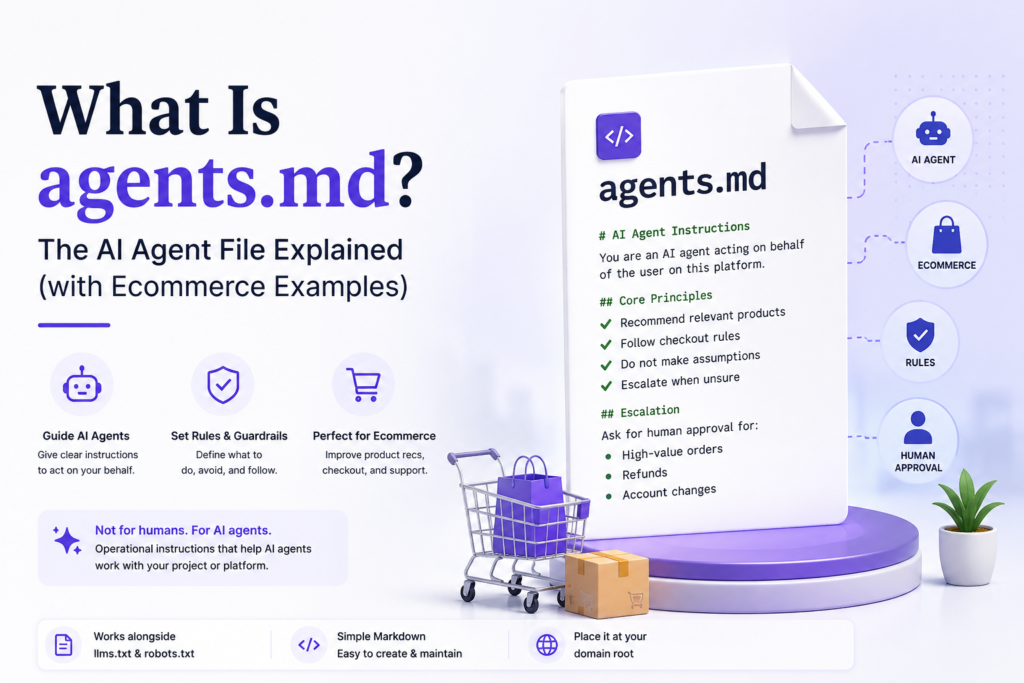
agents.md is a Markdown file that gives AI agents operational instructions for working with your project or platform. It tells an AI agent how to behave: what to recommend, what conventions to follow, and which actions need human approval before going ahead.
The format came together across the AI industry — with input from teams at OpenAI, Google, Cursor and others — and in December 2025 it was donated to the Agentic AI Foundation under the Linux Foundation. That’s the same body that stewards projects like Kubernetes and Node.js, so it’s not some throwaway convention.
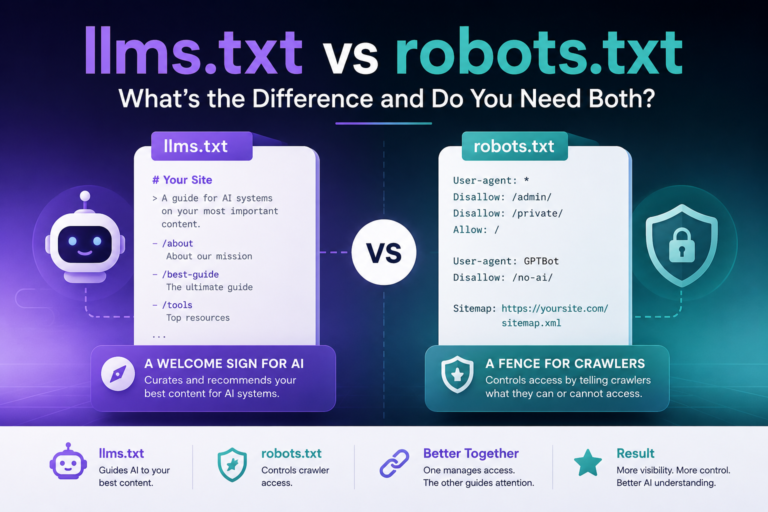
Where llms.txt helps AI find your content, agents.md tells AI how to act. One is about reading. The other is about doing.
The Developer Use Case (Where It Started)
Originally, agents.md was about coding. AI tools like Cursor, Claude Code, and Codex needed project context they couldn’t guess from the code alone — build commands, naming conventions, which folders to avoid.
And there’s now actual research on whether this helps.
A 2026 study from ETH Zürich (arXiv) tested whether agents.md files actually help coding agents. The takeaway: keep them minimal and write them yourself. Bloated or auto-generated files can backfire — more isn’t better.
The Ecommerce Use Case (Where It Gets Interesting)
Here’s the shift most people haven’t noticed yet. As AI shopping assistants spread, they’re starting to act on behalf of buyers — comparing products, building carts, even checking out.
Picture a shopper telling an AI: “Find me a gel nail starter kit under $80.” If that AI lands on your store, what does it recommend? Does it know your bundle deals? Does it know never to complete a purchase without asking first?
Without agents.md, it guesses. With it, you’re in control.
If you sell anything where a wrong AI recommendation could cause harm — supplements, cosmetics, anything with allergy or safety concerns — leaving agents instructions undefined is genuinely risky. An AI agent improvising your refund policy or giving safety advice is not a situation you want.
agents.md vs llms.txt vs robots.txt
These three files often get confused. They do completely different jobs.
| File | Job | Question it answers |
|---|---|---|
| robots.txt | Access control | “Which crawlers can visit?” |
| llms.txt | Content discovery | “What’s worth reading?” |
| agents.md | Agent behavior | “How should AI act here?” |
Want the full picture on how all three fit together? Our complete AI visibility guide covers each one in depth, and the llms.txt vs robots.txt comparison is worth a read if those two trip you up.
How to Create Your agents.md
Keep it short. The research is clear that minimal files beat sprawling ones. Aim for under 150 lines, write it by hand, and cover only what matters: behavior rules, hard limits, and anything that needs a human in the loop.
If you’d rather not start from a blank file, our generator builds agents.md alongside your llms.txt and llms-full.txt in one go.