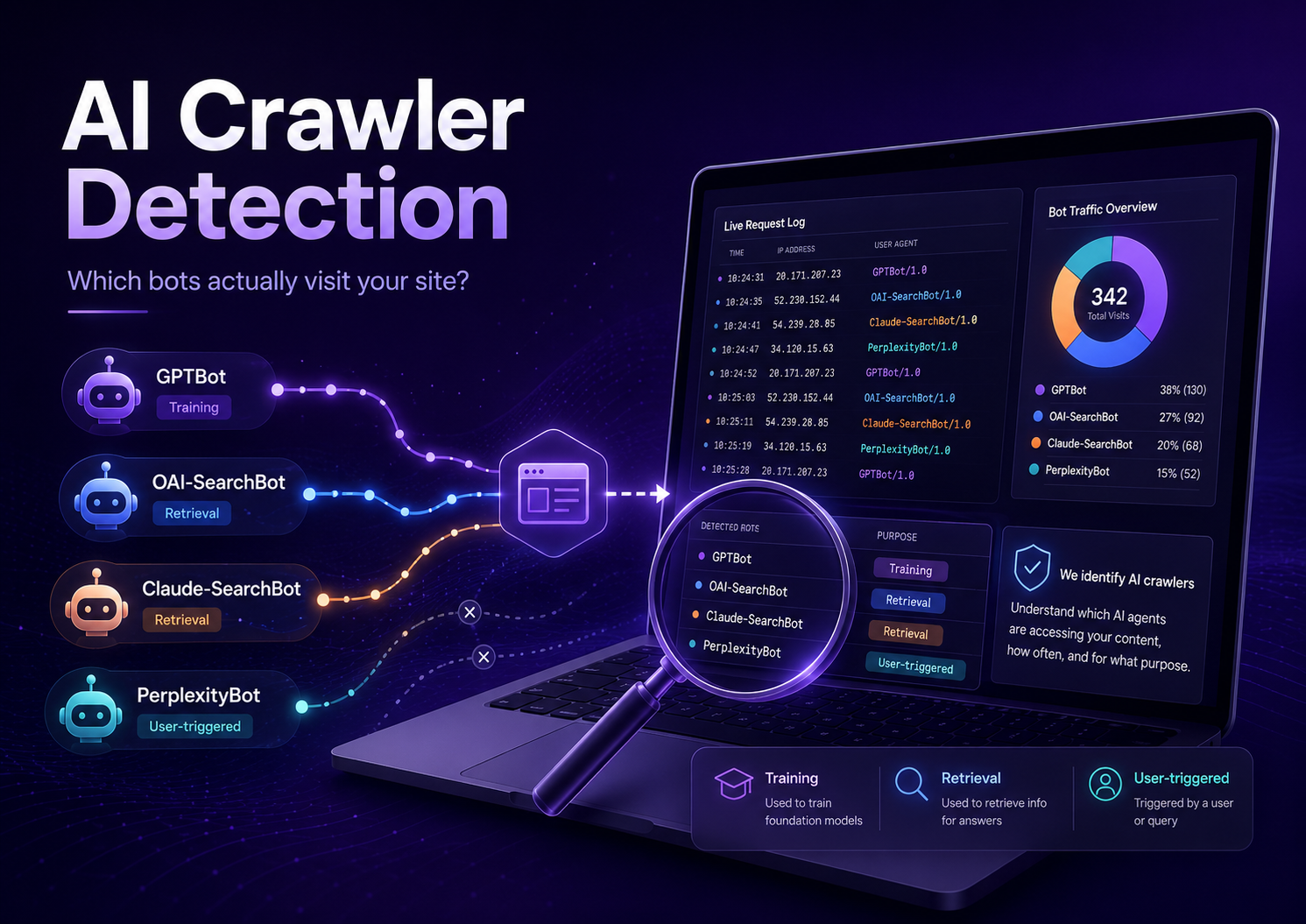
How to Detect AI Crawlers on Your Website: GPTBot, OAI-SearchBot & More
So there’s this thing I did for about a year, and I suspect you might be doing it too.
I’d allowed every AI user agent I could find in robots.txt. Dropped an llms.txt at the root. Schema validated clean. And I felt good about it, the way you feel good about a tidy desk. Then one evening I typed a question into Perplexity — a question that landed dead center in my own topic, the kind of thing I’d written three articles about — and watched it cite four sites that weren’t mine.
What is AI crawler detection?
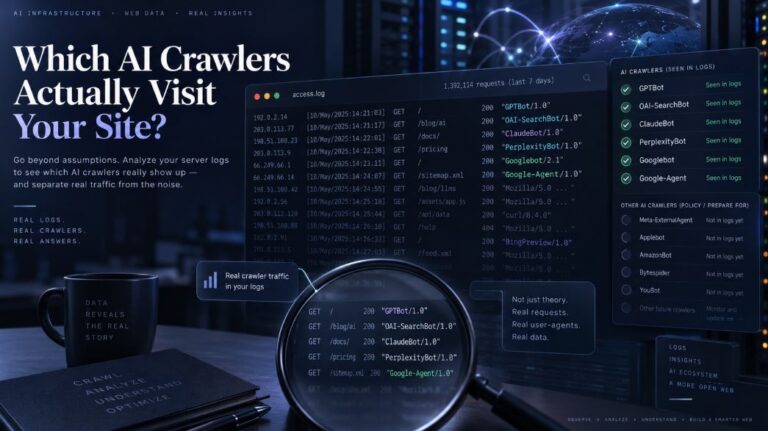
AI crawler detection is the practice of confirming, from your own server data, which AI bots actually request your pages — and what each visit is for. Allowing them in robots.txt only grants permission. Detection proves arrival, separates training crawlers from the retrieval crawlers that decide whether you can be cited, and catches spoofed user agents.
That’s the moment AI crawler detection stops being a technical curiosity and starts being the only thing you care about. Because permission and presence are two completely different things. One is a note you leave on the door. The other is whether anyone ever knocked.
Finding GPTBot in your logs doesn’t mean ChatGPT can cite you. GPTBot collects text for training future models. It sends you nothing today — no traffic, no citations, no nothing. The bots that decide whether you’re citable are a different set entirely, and there’s a decent chance they’ve never come by.
Three kinds of visitor, and only one of them matters right now
Every AI bot in your log is doing one of three jobs. Most “AI crawler list” posts dump them into one pile, which is exactly why people stare at their own data and read it backwards.
| Class | User agents | What the visit is doing | Worth to you |
|---|---|---|---|
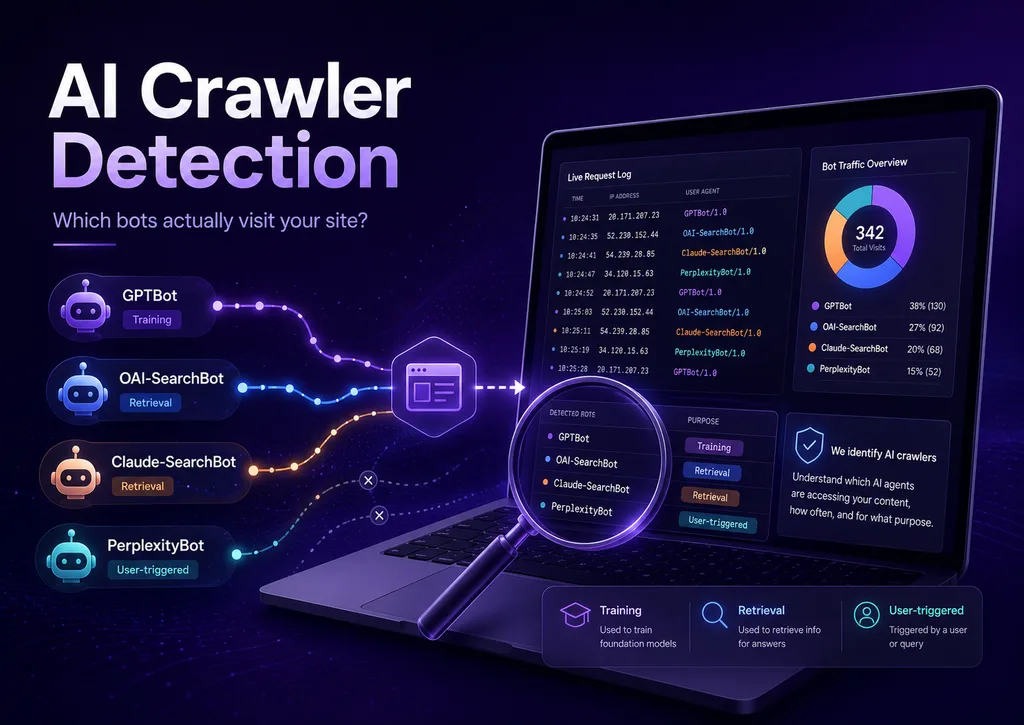
| Training | GPTBot, ClaudeBot, CCBot, Bytespider, Meta-ExternalAgent, Amazonbot | Hoovering up text for a model that ships next year, maybe. | Long game, unmeasurable |
| Retrieval | OAI-SearchBot, Claude-SearchBot, PerplexityBot, DuckAssistBot | Building the live index that answers get assembled from. | This is the whole ballgame |
| User-triggered | ChatGPT-User, Claude-User, Perplexity-User | A real person, in an assistant, opening your page right now. | Nearly a human visit |
Quick aside, since it trips people up constantly: Google-Extended and Applebot-Extended aren’t crawlers. They’re just names you can write a rule against, so you can opt out of Gemini or Apple Intelligence training without wrecking your normal search indexing. Nothing by those names will ever appear in a log, because nothing by those names ever makes a request. You’ll go looking for them. Don’t.
A log stuffed with training bots and empty of retrieval bots looks like success and is the opposite. Your content is being harvested on your bandwidth while staying invisible to every live answer. If you take one thing from this whole article, take that.
Method 1 — Just read the log
This is ground truth, and it’s free, and almost nobody does it.
One warning first, because I wasted a month on this. GA4 isn’t a reliable way to detect server-side crawler visits, because standard crawlers don’t execute your site’s analytics JavaScript the way a browser session does. The hit lands on your server and leaves no trace in the place you’re looking. I spent weeks refreshing an acquisition report for an answer that was never going to appear there.
Crawler traffic and ChatGPT referral traffic are two different things
Here’s the distinction that saves you the month I lost. GA4 can’t see the crawler — but it can absolutely see the human the crawler eventually sends you. OpenAI appends utm_source=chatgpt.com to the links ChatGPT cites, so those clicks land in your reports as a chatgpt.com / referral row. Same site, same week, two completely separate signals: one is a machine reading you, the other is a person arriving because a machine already read you.
Worth knowing before you draw conclusions from that row, though — it undercounts. Perplexity and Gemini don’t tag their outbound links the same way, some assistants strip the referrer entirely, and whatever they drop gets filed as direct. So treat referral numbers as a floor, not a total. Your real AI traffic is some amount higher, and nobody can tell you how much.
Your host almost certainly exposes raw access logs somewhere in cPanel or the dashboard. Grab the last 30 days and count what showed up:
That second command shows you which pages the citation layer has laid eyes on. What’s missing from that list is usually more interesting than what’s on it. The first time I ran it, my best-performing article — the one I’d have bet money on — wasn’t there at all.
Plenty of shared hosts rotate logs every 7 to 14 days and bin the old ones. On a small site, retrieval crawlers can turn up less often than that. So an empty grep isn’t proof they’re not coming — it might only be proof your host cleaned up before you looked.
Method 2 — Log it yourself, continuously
Grep gives you a photograph. What you actually want is footage.
Because the questions worth asking are all about change over time. Is PerplexityBot coming more often than it did in spring, or less? Did retrieval traffic fall off a cliff after you switched on that CDN rule? Is a page getting re-fetched every week, or was it visited once in February and forgotten?
Logging at the application layer fixes the retention problem — the record lives in your database, on your terms, not your host’s rotation schedule. It also lets you sort bots into those three classes at the moment they arrive, instead of reconstructing it from a text file every three months and hoping you remembered which ones were which.
That gap is exactly why I built AITooler Bot Analytics for WordPress. It records every declared AI crawler hit, groups it by class, and shows you which URLs the retrieval bots are reaching and which they’re walking past.
If you publish a few pages a year and nothing much changes, run the grep quarterly and get on with your life. Continuous logging earns its keep when you’re publishing regularly, or you’ve just changed something and need to see whether it worked, or a client wants to be shown the before-and-after rather than told about it.
Method 3 — Actually go ask the assistants
Logs measure what goes in. This measures what comes out, and those are genuinely different questions.
Write 20 to 30 prompts a real customer might actually type. Run them across ChatGPT, Perplexity and Claude on a fixed day each week. Note whether your domain shows up in the citations. That’s it — no tooling required, just a spreadsheet and the discipline to keep the prompt list frozen.
If running the same thirty prompts by hand every week sounds like something you’ll abandon by the third week — fair, most people do — it automates cleanly. I’ve wired this kind of loop up in n8n before: scheduled trigger, one call per assistant, results appended to a sheet. Half an hour to build, then it just runs.
And that discipline is the hard part, by the way. The temptation is to keep tweaking the wording until something finally surfaces your page, and the second you do that you’ve stopped measuring and started fishing. Use a logged-out window too, otherwise personalisation will cheerfully show you your own site and teach you nothing.
Where it gets useful is the cross-reference. Bots crawling and citations appearing means it’s working. Bots crawling but no citations points at the writing or the competition rather than access. Nothing crawling and nothing citing? Access or discovery is the first thing I’d investigate — though it’s worth remembering that even a perfectly reachable page isn’t guaranteed a citation. Being crawlable is a precondition, not a promise.
All three methods share one crack: user agents lie
A user agent is just a line of text in a request header. Anyone can send one that says GPTBot, and plenty of scrapers do — because a name that looks like a major AI company sails past firewalls that would stop an anonymous client cold. It’s the digital equivalent of a clipboard and a hi-vis vest.
The fix isn’t complicated. OpenAI, Anthropic, Perplexity and Google all publish the IP ranges their crawlers run from. A hit is real when the name and the address agree.
Most people find a real chunk of their “AI crawler traffic” doesn’t survive that check. Which isn’t a catastrophe. It’s just the difference between a number and a measurement.
Don’t block Googlebot to escape AI Overviews. Overviews and ordinary Google Search ride the same crawler, so you’d vanish from Search entirely and change nothing about the AI side. Google-Extended is the token for opting out of Gemini training, and it leaves search alone.
Right, you’ve got data. Now what?
If OAI-SearchBot, Claude-SearchBot and PerplexityBot are all missing across 30+ days, that’s where I’d start looking — at access or discovery, before anything else. Just don’t jump straight to “I’m blocked.” A new or small site may simply not have been found yet, crawl priority and frequency vary enormously, your host may have rotated the logs, or the bot just didn’t swing by this month. Rule those out first, then go hunting for a block.
An SEO plugin default, a CDN bot-fight setting, a firewall rule — any of these will quietly overrule a perfectly good robots.txt. Cloudflare’s AI blocking is the usual suspect, and it tends to catch retrieval bots alongside the training ones.
Retrieval bots grazing your tag archives while ignoring your best pages isn’t a crawler problem. That’s internal linking and sitemaps.
Letting them in costs bandwidth and returns nothing you can measure. Shutting them out might mean future models know your brand less well. Genuine trade-off, no right answer — just make it a choice instead of whatever the default was.
Providers rename and add agents a few times a year. CDN vendors ship new bot rules without asking anyone. What you verified in January is, by June, a story you’re telling yourself.
Grep 30 days for the three retrieval bots. There? Access is fine, your problem is the content. Not there? Check your CDN bot rules before you touch anything else — in my experience that’s the most common silent cause by a distance, well ahead of robots.txt mistakes.
Related reading
The short version
Questions people ask me
Not the crawlers themselves — they don’t execute your analytics JavaScript, so use server logs or application-layer logging for those. GA4 does capture the referral clicks that come afterwards, mostly under chatgpt.com / referral.
Depends on your size and how often you publish. Busy sites often see PerplexityBot every few days; a small static site can go weeks. Compare your site to its own last month, not to someone else’s benchmark.
Someone opened your page from inside ChatGPT, usually from a link they already had. Nice to know live access works. Says nothing about whether the retrieval index has you.
There’s no published evidence any major crawler changes behaviour because of it. Treat detection and llms.txt as two unrelated projects and you’ll save yourself some confusion. If you want the file in place anyway, here’s the WordPress setup.