
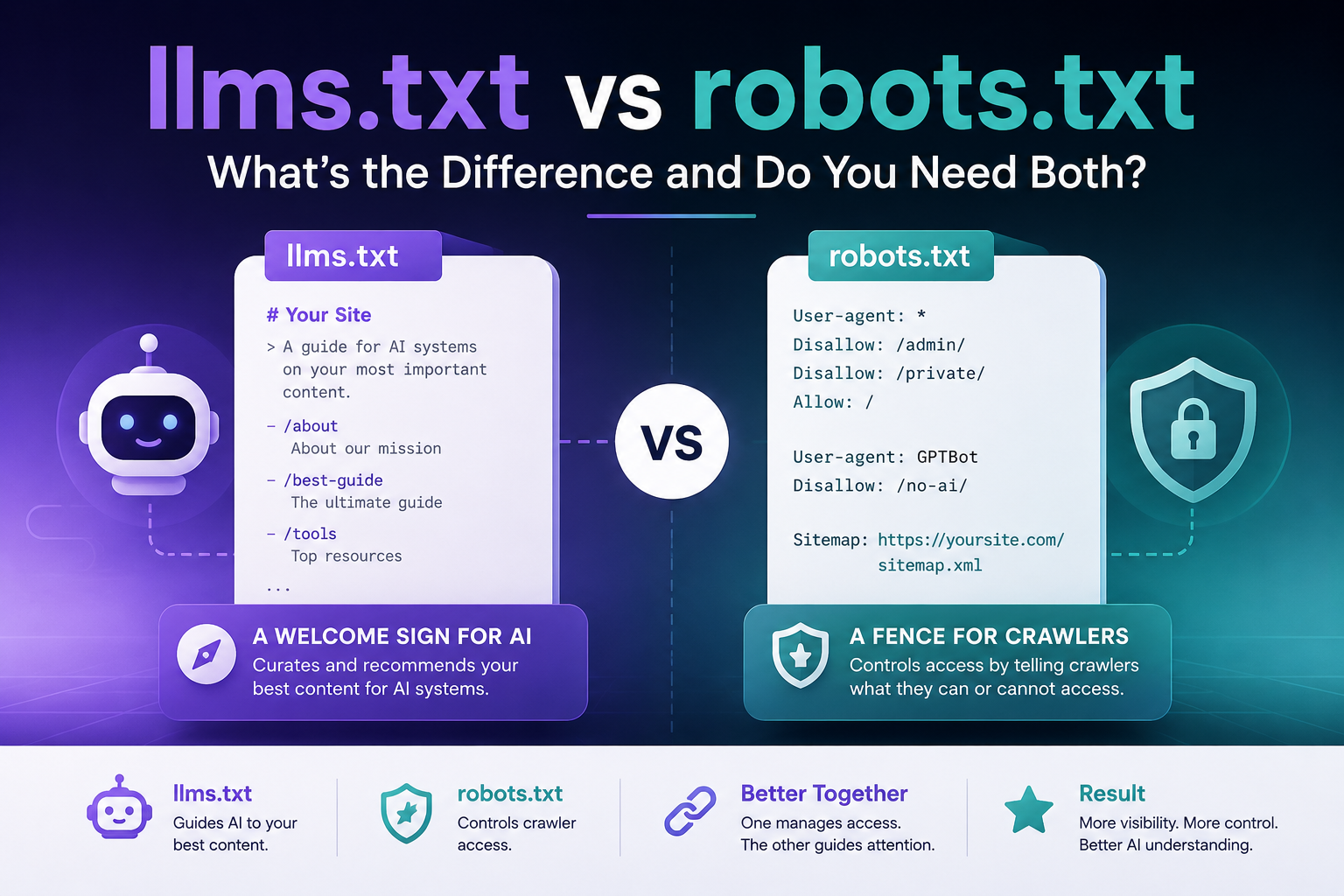
llms.txt vs robots.txt: What’s the Difference and Do You Need Both?
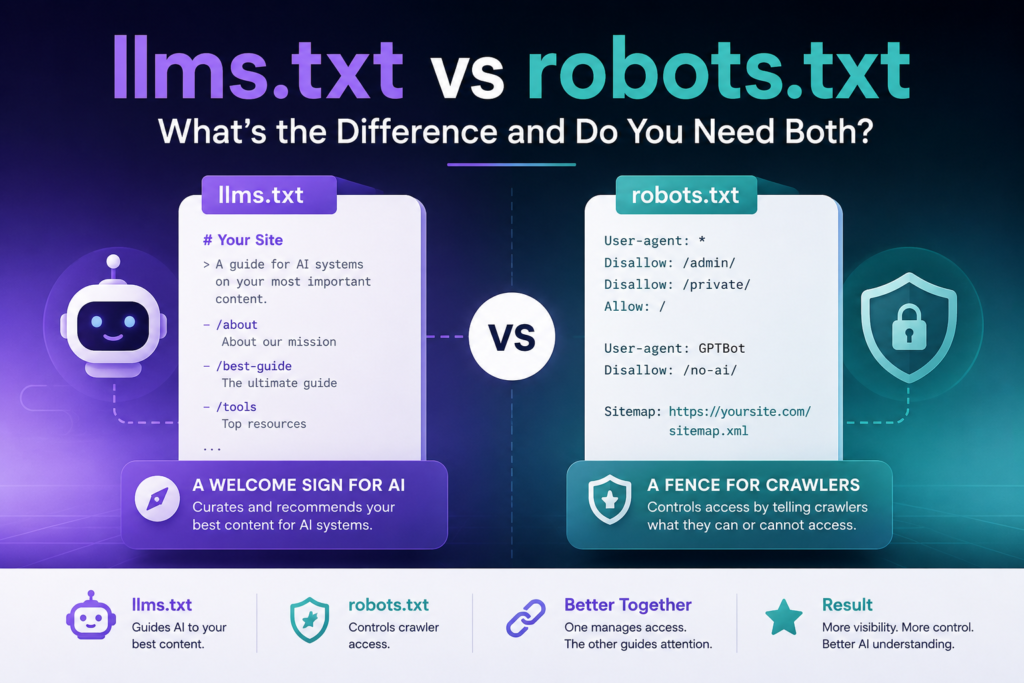
What’s the difference?
robots.txt controls which crawlers can access which pages. llms.txt tells AI systems which pages are most worth reading. One is about access; the other is about attention.
Do you need both?
Yes — they do completely different jobs and don’t overlap. Most sites already have robots.txt. llms.txt is the newer addition worth adding.
The first time I came across llms.txt, my immediate thought was: “Is this just another robots.txt?” Same root directory, same plain-text format, similar name. It felt like someone had just renamed an old concept and called it innovation.
I was wrong. The more I dug in, the clearer it became that these two files solve completely different problems — and confusing them leads to some genuinely bad decisions about how you configure your site for the AI era.
So let’s sort it out properly. llms.txt vs robots.txt is not a competition. But understanding what each one actually does changes how you think about both.
What robots.txt Actually Does
robots.txt: Definition
robots.txt is a plain-text file at your domain root that controls which web crawlers can access which pages on your site. It uses allow and disallow directives to set access permissions — for search engines, AI crawlers, and any other bot that visits your site.
robots.txt has been around since 1994. That’s older than most of the websites using it. It lives at your domain root — yoursite.com/robots.txt — and contains a set of access rules for web crawlers.
The logic is simple: you specify a User-agent (a specific crawler or all crawlers), then tell it what it can and can’t access.
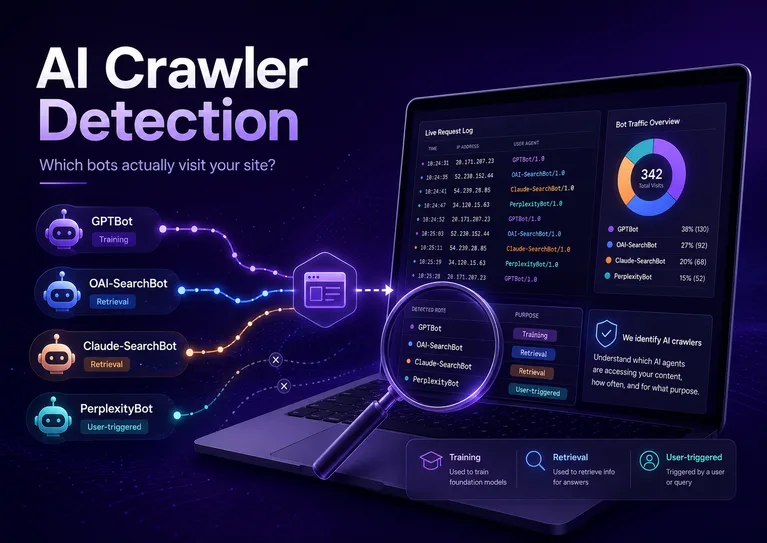
AI companies have added their own crawlers to this ecosystem. OpenAI uses GPTBot, Anthropic uses ClaudeBot, and Google has Google-Extended for its AI training. All of them are supposed to honor robots.txt rules — and the major players do.
If you block GPTBot today, that won’t erase content ChatGPT has already seen. Blocking prevents future training or indexing — it doesn’t scrub existing knowledge. Worth knowing before you assume robots.txt gives you full control.
What llms.txt Actually Does
llms.txt: Definition
llms.txt is a plain Markdown file at your domain root that helps AI language models find your most important pages. Unlike robots.txt which sets access rules, llms.txt makes positive recommendations — it tells AI systems which content is worth reading and why.
llms.txt was proposed by Jeremy Howard of Answer.AI in September 2024. It’s a Markdown file — also at your domain root — that gives AI systems a curated reading list of your most important pages.
Where robots.txt is about rules, llms.txt is about recommendations.
Think about what happens when someone asks ChatGPT or Claude a question that touches on your content. The AI fetches pages on-demand, and it prioritizes what it can easily parse. If your most valuable pages are buried in JavaScript-heavy templates or linked three levels deep, they often get skipped. llms.txt puts them front and center.
The format is intentionally simple. No syntax to memorize, no special tooling needed — just Markdown links with short descriptions.
llms.txt vs robots.txt: Side by Side
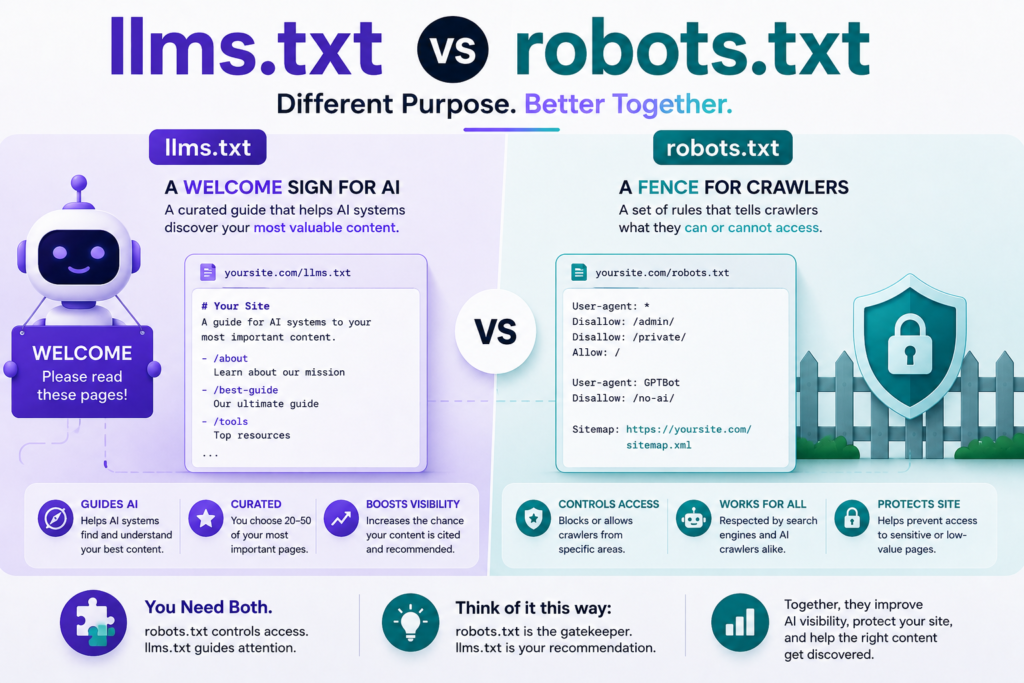
Key Difference: Access vs. Attention
robots.txt controls who can access your site. llms.txt guides what AI systems should pay attention to. One is a permission system; the other is a recommendation system. They do not overlap.
| Feature | robots.txt | llms.txt |
|---|---|---|
| Purpose | Access control for crawlers | Content discovery guide for AI |
| Introduced | 1994 | September 2024 |
| Format | Key-value directives | Plain Markdown |
| Audience | All web crawlers | AI language models & agents |
| Effect | Allows or blocks access | Guides attention to key pages |
| Officially required? | No (but universal practice) | No (emerging best practice) |
| Affects Google SEO? | YES | NO |
| Affects AI crawlers? | YES | INDIRECT |
| File location | /robots.txt | /llms.txt |
Do You Actually Need Both?
Almost certainly yes — but for different reasons depending on your situation.
robots.txt you almost certainly already have. WordPress generates one automatically. It matters for your SEO, for managing crawl budget, and now increasingly for deciding which AI bots you want to interact with your content.
llms.txt is the newer addition. The honest case for it isn’t “it will make ChatGPT cite you more” — the evidence for that direct effect is mixed. The real case is that IDE agents like Cursor, MCP integrations, and developer tools actively read these files. Companies like Anthropic, Stripe, and Cloudflare have implemented it for exactly that reason.
llms.txt takes an hour or two to create. There’s no known downside to having one. If AI platforms formally adopt the standard in the future — which is plausible given Google included it in their A2A protocol — early adopters will already be set up correctly.
There’s Actually a Third File Worth Knowing About
If you’re configuring your site for the AI era, there’s one more file in this family: agents.md.
While llms.txt guides AI toward your content and robots.txt controls access, agents.md tells AI agents how to behave on your platform. Think: what products to recommend, when to require human approval, how to handle support escalations.
It’s especially useful for ecommerce sites and SaaS tools where AI agents may take action on behalf of users — not just read content.
How to Add llms.txt to Your Site (Without Touching Code)
You don’t need a developer for this. The process is straightforward.
First, decide which 20–30 pages on your site genuinely deserve AI attention — your best guides, key product pages, important FAQs. Then write a short description for each. That’s the hard part, honestly. The file format itself is trivial.
For the actual file creation, you can use the AI Flow Matrix free generator — it handles the formatting and outputs a file ready to upload.
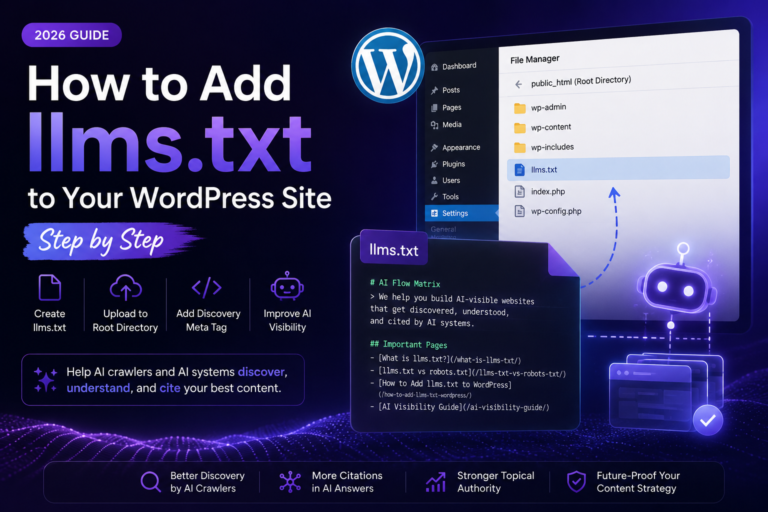
Upload your llms.txt to the root of your site via FTP, cPanel File Manager, or a plugin like WP File Manager. It should be accessible at yoursite.com/llms.txt — same level as your robots.txt.
Quick Note: What About sitemap.xml?
People sometimes ask where sitemap.xml fits in all this. Short answer: it’s a different tool for a different job.
sitemap.xml is a complete list of every URL on your site, primarily used by search engine crawlers to discover and index pages. It’s comprehensive by design — you want every page in there.
llms.txt is the opposite of comprehensive. It’s selective. You’d never put 500 URLs in an llms.txt; that defeats the purpose. Think of sitemap.xml as the full catalogue and llms.txt as the staff picks shelf.
robots.txt (who can access what) + llms.txt (what’s worth reading) + agents.md (how to behave) form a complete AI configuration stack. Each one does something the others can’t.




One Comment