
Google Flow Explained: Veo 3.1, Flow Agent, and How It Actually Works
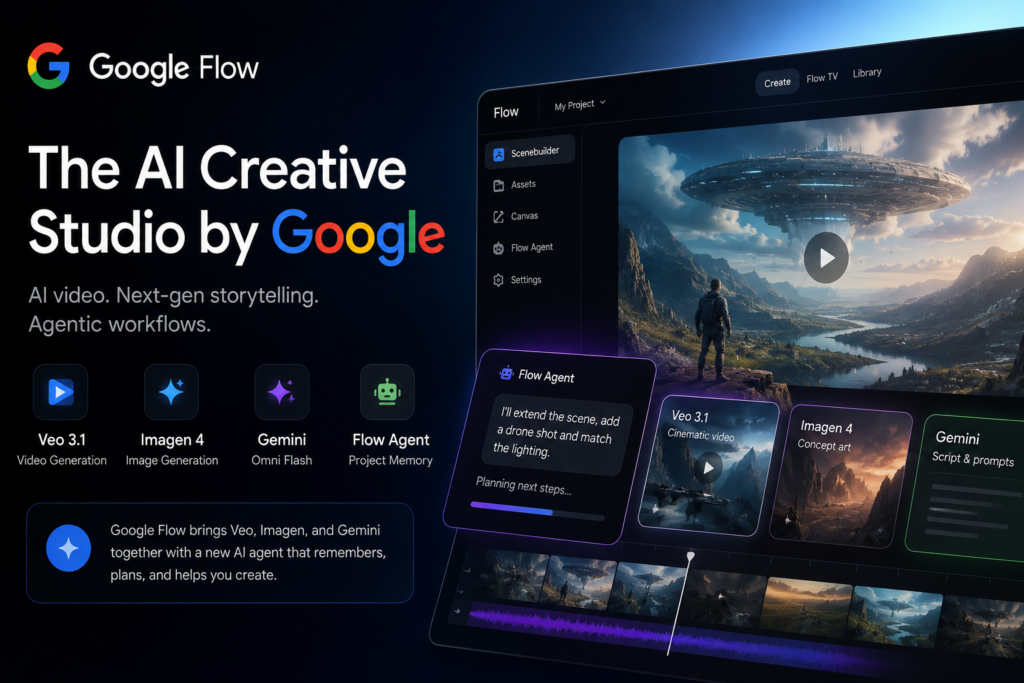
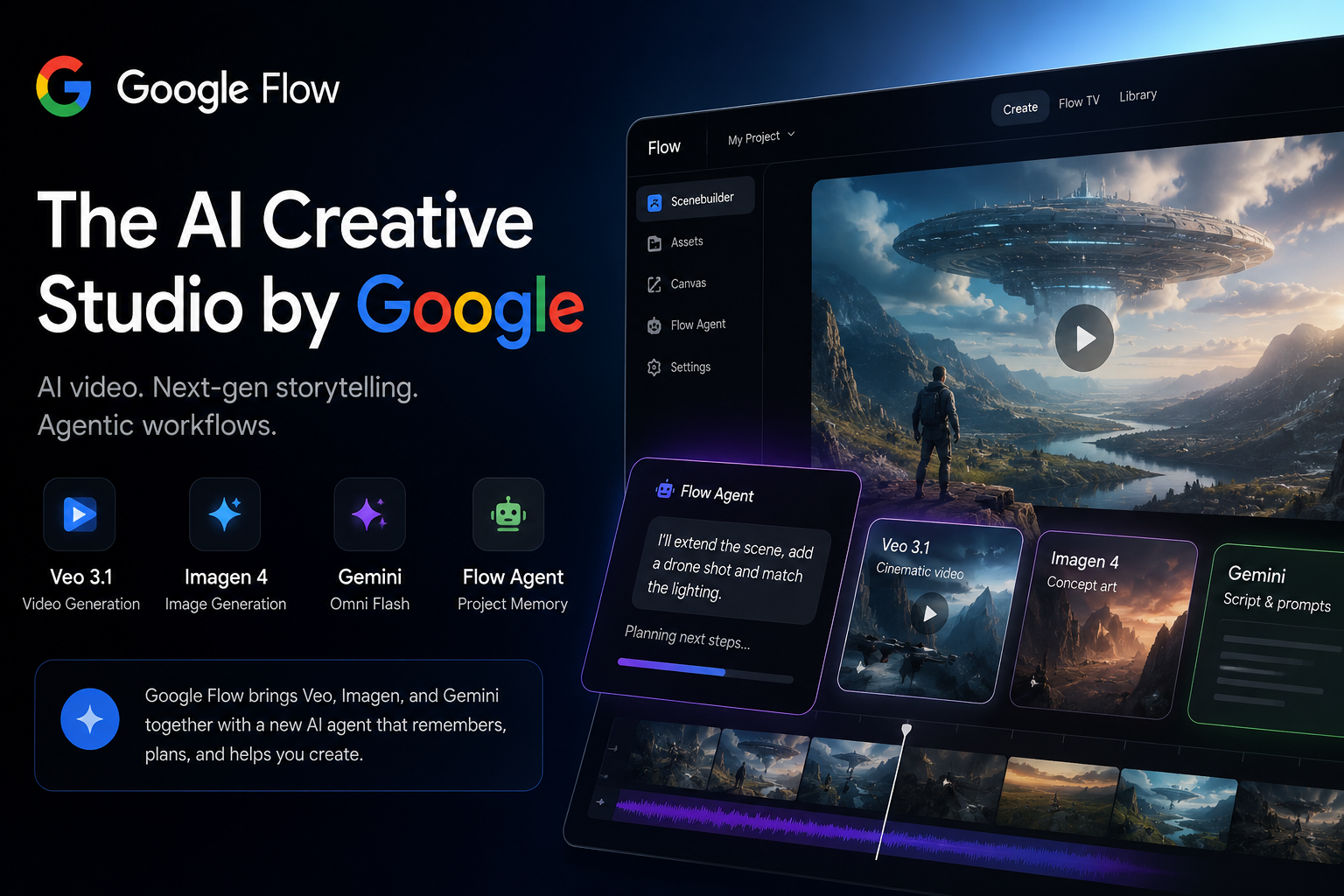
Google Flow is Google’s AI creative studio for filmmakers and video creators, powered by Veo 3.1, Gemini Omni Flash, and Imagen 4. It generates cinematic video clips, images, and audio from text prompts — and since I/O 2026, it includes Flow Agent, a Gemini-powered AI assistant that remembers your entire project, plans multi-step tasks, and acts alongside you at every stage of production. Available in over 140 countries. Not a text tool. Not a chatbot. A creative production environment where the agent knows where you’re going, not just what you just typed.
- Developer
- Google Labs
- Launched
- Google I/O 2025
- Major update
- Google I/O 2026
- Core models
- Veo 3.1, Gemini Omni Flash, Imagen 4
- Agent
- Flow Agent (Gemini-powered)
- Custom tools
- Flow Tools (no-code)
- Availability
- 140+ countries
- Mobile
- Android beta, iOS coming
- 1What Google Flow is and why it’s different
- 2How Flow Agent works — and why it matters
- 3Gemini Omni Flash vs. Veo 3.1 explained
- 4Flow Tools: building workflows without code
- 5Pricing and access plans
- 6Flow vs. other tools: when to use which
What Is Google Flow?
Google Flow launched at Google I/O 2025. The first version was capable enough — generate video from text, chain scenes together, adjust camera angles. Useful, but the workflow felt static.
I/O 2026 changed that significantly. Video, image, and music generation merged into one environment. More importantly, Flow Agent arrived — a Gemini-powered assistant that knows your full project, remembers previous decisions, and can suggest next steps.
Elias Roman, Google Labs VP, described the old model plainly: tools used to work like coin-operated machines — put something in, get something out. Google Flow no longer works that way.
How Does Google Flow Work?
Google Flow runs three core AI models together:
Veo 3.1
The core video generation model. Camera movement, character consistency, audio sync. Google DeepMind’s most current video production engine.
Gemini Omni Flash
The biggest I/O 2026 addition. Video, images, audio — all from one model. Preserves character consistency across scenes and enables iterative editing.
Imagen 4
Realistic characters, environments, objects. Critical for visual consistency across scenes — keeps the project’s visual language locked in from start to finish.
Flow Agent
The Gemini-powered assistant that knows the full project. Active from brainstorming to asset management. Thinks in project terms, not prompt by prompt.
The combination of these models working together is what separates Google Flow from competitors. You’re not pulling separate outputs from separate tools — everything runs in the same project environment, talking to each other.
I Tried Google Flow: First Impressions
After the I/O announcement, I opened Flow and spent a few hours actually using it — not reading the docs, just building. I expected to be most impressed by the video quality.
That wasn’t it.
The thing I kept coming back to wasn’t the output. It was the memory.
A decision I’d made for one scene — a specific lighting style, a particular character tone — was still there when I moved to a completely different scene two hours later. In n8n or LangGraph, building that kind of cross-step context takes real setup time. Here it comes by default.
Just for fun, I tried breaking the workflow on purpose. The agent still remembered things I had already forgotten myself.
Flow doesn’t replace Premiere or DaVinci. It’s not trying to. But for rough concepts and short-form experiments, it’s the most coherent environment I’ve worked with.
Flow Agent: The First Creative AI With Real Project Memory
While building agentic workflows in n8n and LangGraph, I kept running into the same problem: most AI tools drop context between steps. Every step starts clean. Stateless.
Flow Agent takes that problem into creative production — and solves it.
You can tell it in one request: “Create three versions of this opening scene — one dramatic, one lighthearted, one cinematic — and put them all in a collection called Opening Variations.” It does it. Then ask it to rename the files, archive outdated assets. It does that too.
On larger projects, this meaningfully reduces coordination overhead.
The hand-built version of what Flow Agent automates — a step-by-step guide to building agent orchestration in n8n.
Who Should Use Google Flow?
Not for everyone. But for specific use cases, there’s nothing quite like it right now.
YouTubers & Filmmakers
Short-form content, concept videos, rapid prototyping. A strong starting point for cutting down long production cycles.
Marketing Teams
Campaign visuals, social content, iterative A/B tests. Agent memory keeps brand identity consistent across scenes.
Rapid Prototyping
For anyone who needs to put an idea on screen fast. Client concepts, team alignment, quick visual decision-making.
Music & Creative Artists
With Flow Music integration, audio and visuals live in the same environment. Music production via Lyria 3 Pro, music video creation via Gemini Omni.
What Google Flow Still Can’t Do
To be honest about the limits: there are a few.
Flow still can’t go far beyond the 8-second clip limit — for projects requiring long scenes or full edits, Premiere or DaVinci is still necessary. The fine-cut editing tools aren’t mature either; frame-level precision work isn’t what this tool is built for.
Third-party integration is also limited. Only Google apps are supported right now — a friction point for teams already running other toolsets.
And the $249.99/mo Ultra plan is a serious barrier without a corporate budget.
- Project memory (cross-session)
- Built-in AI agent, no setup
- Character consistency across scenes
- Audio & dialogue generation
- No-code custom workflows
- Agent queries don’t cost credits
- Ultra plan expensive ($249.99/mo)
- Fine-cut editing tools limited
- Only Google apps integrated
- Long-video generation not yet available
- Creating Flow Tools: subscriber only
- iOS app not yet in beta
Flow Tools: Bespoke Workflows Without Code
Another meaningful addition from I/O 2026: Flow Tools.
You can build your own custom tools and workflows using natural language prompts — no code required. Tools like “pixelBento,” which applies lo-fi and glitch-style post-processing effects, have already been created by the community.
This shifts Google Flow from a fixed tool into a platform where you define your own workflow. From freelance video editors to corporate production teams, anyone can shape Flow around their specific use case.
Google Flow vs. Other Tools
| Feature | Google Flow | Runway | Sora |
|---|---|---|---|
| Project memory (agent) | ✅ | ❌ | ❌ |
| Audio / dialogue generation | ✅ | ⚠️ | ❌ |
| Character consistency | ✅ | ⚠️ | ⚠️ |
| Custom workflow tools | ✅ | ❌ | ❌ |
| Mobile app | ✅ (beta) | ✅ | ❌ |
| Free plan | ✅ (limited) | ✅ (limited) | ❌ |
Runway offers a more mature editing experience — particularly for working with existing footage. Sora is capable but has no project memory and limited audio support. Google Flow’s differentiator is combining video, image, and audio generation in a single agent-backed environment.
How to produce content for AI-native tools like Google Flow — a look at GEO strategy.
Pricing
Agent queries don’t cost credits on any plan. Credits are only consumed by video and image generation — which makes the planning and iteration phase surprisingly cost-efficient.
How to Get Started With Google Flow
Getting into Flow is straightforward. The learning curve isn’t in setup — it’s in learning how to prompt for cinematic output rather than just descriptive output.
- Sign in with a Google account at labs.google/fx/tools/flow.
- Choose a plan. Free works for testing. Pro is the realistic starting point for regular use.
- Create your first project and set a title — the Agent uses this as the anchor for project memory.
- Generate a scene with Veo 3.1. Start with a short, specific prompt — camera angle, lighting, subject, movement. Vague prompts produce generic output.
- Open Flow Agent from the prompt box and ask it to build on what you just made. This is where project memory kicks in — reference your earlier choices directly.
- Iterate. Batch variations, organize collections, refine with Gemini Omni Flash. The Agent tracks context as you go.
While building agentic systems in n8n and LangGraph, one thing became obvious: most AI tools lose context between steps. Every step starts with a clean slate. We end up adding memory layers manually to pipelines just to preserve what the previous step decided.
Flow Agent brings that problem into creative production — and solves it by default. A decision you made for one scene is still valid two hours later in a completely different scene. Technically that sounds minor. In a large production, it genuinely reduces coordination load.
There are still a few things I’m not sure about. The commercial use terms are a bit confusing — Google’s current language suggests subscriber-generated content can be used commercially, but I’d read the fine print carefully before publishing anything commercially. I also don’t know when long-video support is coming. And the $249.99/mo Ultra plan is not a realistic option for an individual creator.
My overall read: for me, it’s probably the most interesting starting point in this category right now. For moving from rough concept to scene quickly, for staying in a short-form content loop, or just for seeing what project-aware agent memory actually feels like in a real workflow. Replacing traditional post-production tools? That’s still a few years away — and I don’t think Google is pretending otherwise.
Sites that understand how AI engines read content get better visibility — including in AI-native tools like Google Flow.
Google Flow FAQ
Is Google Flow free?
Yes, a free plan is available — with limited credits and access to Veo 3.1 Lite. Gemini Omni Flash and the ability to create Flow Tools require Google AI Pro ($19.99/mo).
What does Flow Agent do?
Flow Agent is a Gemini-powered assistant that knows your entire project. Brainstorming, batch asset generation, file organization, style consistency — all managed through a single project memory. Agent queries don’t consume credits.
What is Gemini Omni Flash?
The multimodal model introduced at Google I/O 2026. It generates video, images, and audio from a single model, preserves character consistency across scenes, and enables iterative video editing.
Does Google Flow have a mobile app?
The Android app is currently in beta (18+). An iOS version has been announced and is coming. The web version continues to work across all platforms.
Which countries can access Google Flow?
Available in 140+ countries. Certain models (Gemini Omni Flash) remain limited to Google AI subscribers, and regional availability may vary.
Is Google Flow available in Europe?
Yes. Google Flow is available across Europe as part of its 140+ country rollout. Some features tied to Gemini Omni Flash require a Google AI subscription, and availability of specific models may vary by region based on local regulations.
Can Google Flow generate long videos?
Not yet, at least not in a single generation. Veo 3.1 currently produces clips in the range of 8 seconds. Longer sequences are assembled by chaining multiple clips — but native long-video generation is not available as of mid-2026.
Can you use Google Flow commercially?
Based on Google’s current terms, content generated in Google Flow by paid subscribers can be used commercially. However, the specifics — especially around third-party model outputs — are worth reading carefully in the full terms of service before publishing or selling Flow-generated content.
Does Google Flow replace video editing software?
No — and Google isn’t positioning it that way. Flow is strong for generating rough concepts, short-form content, and rapid iteration. For fine-cut editing, color grading, or long-form post-production, tools like Premiere Pro or DaVinci Resolve are still necessary.
Sources: Google Blog — Flow Updates (I/O 2026) · Google Flow official page.
One Comment